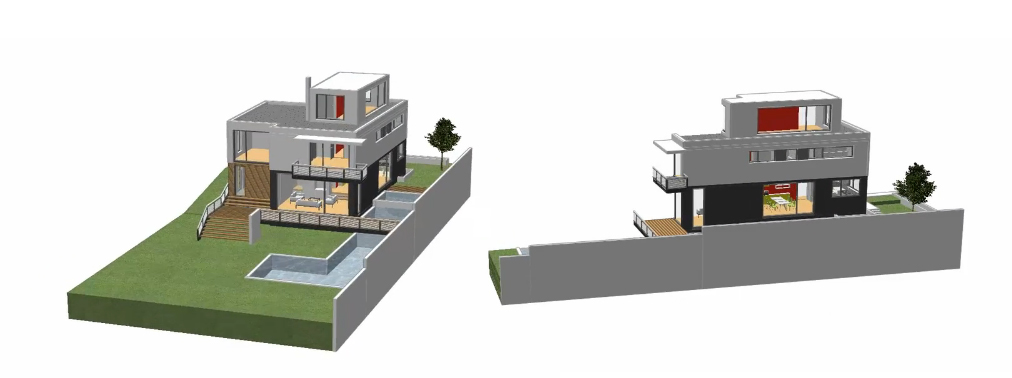
Allplan Quickstart (CAD Tutorial)
The following example offers you a quick and easy entry into the world of Allplan. Follow the procedures shown and described in the film tutorial step-by-step and then try them out for yourself.
For this tutorial you will need a working version of Allplan 2017, for example, the 30-day trial version and the free Adobe Reader ».
Please download the Quickstart project data before beginning with the tutorial and install it by first unzipping and then double clicking on Setup_Allplan2017_Quickstart_eng.exe.
Please close Allplan before installation of the Quickstart project data.
Please note:
The basis for the film tutorials is Allplan 2014. This means the interface and the handling in Allplan 2016 could be slightly different.
We wish you a pleasant experience with Allplan Quickstart.
Download Allplan 2017:
- 64 bit edition only: http://documentatie.nemetschek.ro/Allplan2017.zip (1.9 GB)
 Quickstart Overview
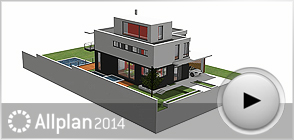
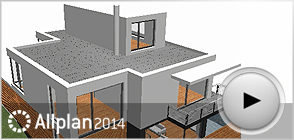
 Navigate the Building Model
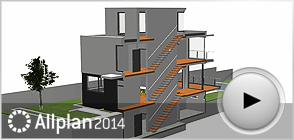
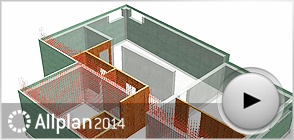
3D Section Display
Navigate the Building Model
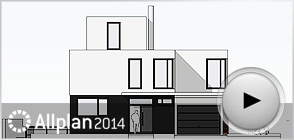
3D Section Display Building Structure, Elevations and Reports
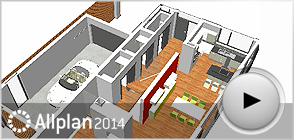
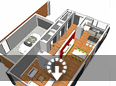 Using SmartParts for Furnishing
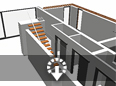 Easy Designing with Wizards
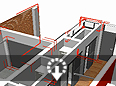 Dimension and Modify Components
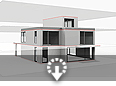 The Intelligent Plane Model
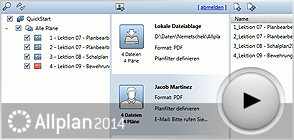
 Assemble and Export Layouts to PDF
 Engineering - General Arrangement Drawing
 Engineering - Reinforcement Detailing
 Allplan Exchange

 YOUTUBE
 FACEBOOK
 GOOGLE+
 TWITTER